Table of Contents
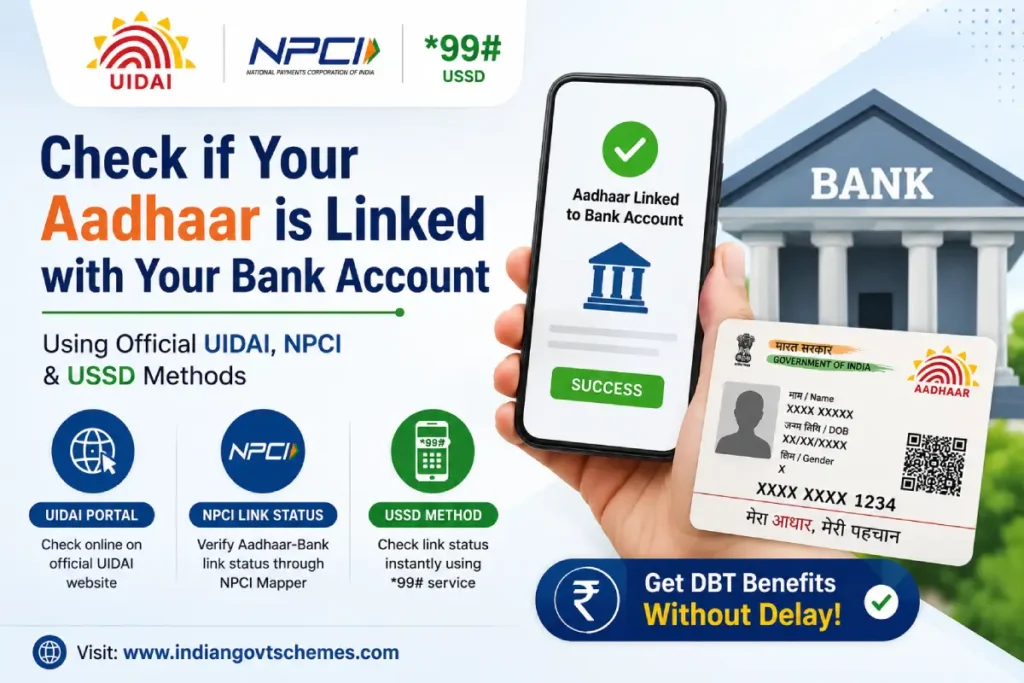
Linking your Aadhaar with your bank account is essential for receiving Direct Benefit Transfer (DBT) payments, government subsidies (such as PM-KISAN, LPG, scholarships), and Aadhaar-enabled services like AEPS. Checking the Aadhaar bank link status (also called Aadhaar seeding status or NPCI mapper status) ensures your benefits reach the correct account without delays.
This comprehensive guide covers the latest official methods to verify your Aadhaar card link with bank account quickly and securely.
Why Check Aadhaar-Bank Linking Status?
- Confirm that your bank account is seeded in the NPCI mapper for DBT.
- Avoid rejection of subsidies or delayed payments.
- Identify if your Aadhaar is linked to multiple accounts and which one is active for government transfers.
- Ensure compliance with schemes requiring Aadhaar seeding.
Key Fact: UIDAI does not store your bank details. The linking status is fetched live from the NPCI server.
Prerequisites Before Checking Status
- Your 12-digit Aadhaar number or 16-digit Virtual ID (VID).
- Mobile number registered with Aadhaar (for OTP).
- Stable internet connection (for online methods).
- No fees are charged for status checks.
Method 1: Check via UIDAI myAadhaar Portal (Most Reliable)
- Visit the official myAadhaar portal: https://myaadhaar.uidai.gov.in/.
- Click on Login or directly go to Bank Seeding Status.
- Enter your Aadhaar number (or VID) and the captcha code.
- Click Send OTP → Enter the OTP received on your registered mobile number.
- After login, navigate to the Bank Seeding Status or Aadhaar Linking Status section.
- The portal will show:
- Linked bank name(s)
- Seeding status (Linked / Not Linked)
- Last updated date
Pro Tip: Use Virtual ID for enhanced privacy instead of your real Aadhaar number.
Method 2: Check via NPCI Bharat Aadhaar Seeding Enabler (BASE)
NPCI’s BASE platform offers detailed mapping status and additional options like seeding requests.
- Go to https://www.npci.org.in/.
- Click on Consumer → Select Bharat Aadhaar Seeding Enabler (BASE).
- Choose Aadhaar Mapped Status (or similar option).
- Enter your Aadhaar number, captcha, and submit.
- Verify with the OTP sent to your registered mobile.
- View complete details: Bank name, mapping status, mandate date, and history.
This method is particularly useful for DBT-specific checks.
Method 3: USSD Code (*99#) – No Internet Required
- From your Aadhaar-registered mobile, dial *99*99*1#.
- Enter your 12-digit Aadhaar number.
- Confirm the number when prompted.
- The system will display the linked bank account details or “Not Linked” status instantly.
This works across major telecom providers and is ideal for users with low data connectivity.
Method 4: mAadhaar Mobile App
- Download the official mAadhaar app from Google Play Store or Apple App Store.
- Log in using your Aadhaar number and biometrics/OTP.
- Go to My Aadhaar → Aadhaar-Bank Account Link Status.
- Enter details and verify with OTP.
Method 5: Through Your Bank
- Net Banking / Mobile App: Log in → Look for “Aadhaar Linking,” “Seeding Status,” or “DBT” section.
- ATM: Check menu options for Aadhaar services (available in select banks).
- Branch Visit: Carry Aadhaar, passbook, and ID proof. Ask for seeding status or form submission.
What to Do If Aadhaar Is Not Linked or Inactive?
- Visit your bank branch with:
- Original Aadhaar card + photocopy
- Bank passbook / statement
- Aadhaar seeding consent form (available at branch)
- Submit the request for fresh seeding or update.
- Wait 2–7 working days for NPCI mapper update.
- Re-check status using any of the above methods.
Advanced Options via BASE:
- Request fresh seeding
- Move linkage within the same bank or to another bank
- De-seeding (if needed)
Important Points to Remember (2026 Updates)
| Aspect | Details |
|---|---|
| Multiple Accounts | Aadhaar can link to many accounts, but only one is active in NPCI mapper for DBT. |
| DBT Payments | Credited to the last successfully seeded account. |
| Update Time | Changes reflect in 2–7 days. |
| Inactive Status | Re-seed through bank or BASE. |
| Security | Never share OTP or Aadhaar details on unofficial sites. |
Benefits of Aadhaar-Bank Linking
- Seamless DBT for government schemes.
- Faster AEPS withdrawals and payments.
- Simplified e-KYC for banking services.
- Reduced fraud and duplication in beneficiary records.
Common Issues & Troubleshooting
- OTP Not Received: Update mobile number via UIDAI first.
- Status Not Updating: Wait for processing time or visit branch.
- Multiple Banks Shown: Verify which one is primary for DBT.
- Error Messages: Clear cache, try incognito mode, or use another device.
- Mobile Number Not Updated: Visit Aadhaar Enrolment Centre.
Frequently Asked Questions (FAQs)
1. How do I check which bank is linked to my Aadhaar? Use the UIDAI myAadhaar portal or NPCI BASE – it clearly shows the mapped bank.
2. Is Aadhaar-bank linking mandatory? It is mandatory for receiving most government subsidies and DBT benefits, though not for regular banking.
3. Can I link Aadhaar to multiple bank accounts? Yes, but DBT goes to the active seeded account in the NPCI mapper.
4. What is the 99# USSD code for Aadhaar check? Dial 99991# from your registered mobile.
5. How long does it take for Aadhaar seeding to reflect? Usually 2–7 working days.
6. Is there any charge for checking or linking? No official charges.
Final Tips for Success
- Always use official websites: UIDAI, NPCI, or your bank’s verified portal.
- Keep your mobile number updated in Aadhaar records.
- Periodically check status, especially before subsidy disbursement dates.
By following this guide, you can easily verify and manage your Aadhaar bank link status in minutes. For any persistent issues, contact UIDAI helpline (1947) or your bank customer care.
Stay safe online — bookmark official sites and avoid third-party apps or links claiming instant linking. Processes may have minor updates; always cross-verify on uidai.gov.in.
This article is optimized for semantic search with natural use of related terms like Aadhaar seeding status, NPCI mapper, DBT link check, etc. Bookmark it for future reference!
wedadmin
Scheme Expert & Senior Writer
Expert in government schemes and welfare policies with years of experience in public policy research.